
Emoji are picture characters such as 😂 👍 🐱 and 🍕 that your phone or computer draws in colour. Each one is a standard Unicode character with its own code, so it can be copied and pasted like text. The tray below lists popular emoji by group, each with its official name and code point.
Smileys and faces
Hands and gestures
Animals
Food and drink
Weather and nature
Objects
Signs and marks
Tap any emoji to copy it — 154 in this tray; hover or long-press to see its Unicode name. Last checked: 12 October 2026 (names and code points against Unicode 17.0). The emoji have not been checked on real devices yet — the drawing you see depends on your device, as explained below.
Your name with emoji
Type a name and see it next to sixteen emoji pairings; tap one to copy. Bold, italic and script letters are maths alphanumeric characters, so use them in display names and bios rather than in a username.
Emoji collections on FancyTextTool
For a theme, open its own collection — each one goes deeper than this hub, with combos and code tables:
- Love emojis — hearts by feeling, kisses and text hearts such as ♡ 𑣲 ᥫ᭡.
- VIP emoji — crowns, gems and role badges, plus why there is no single VIP emoji.
- Check mark and cross symbols — ✅ ✔️ ☑️ and their plain-text twins.
- Heart symbols and star symbols — text characters that sit well beside emoji.
Emoji that look different on each platform
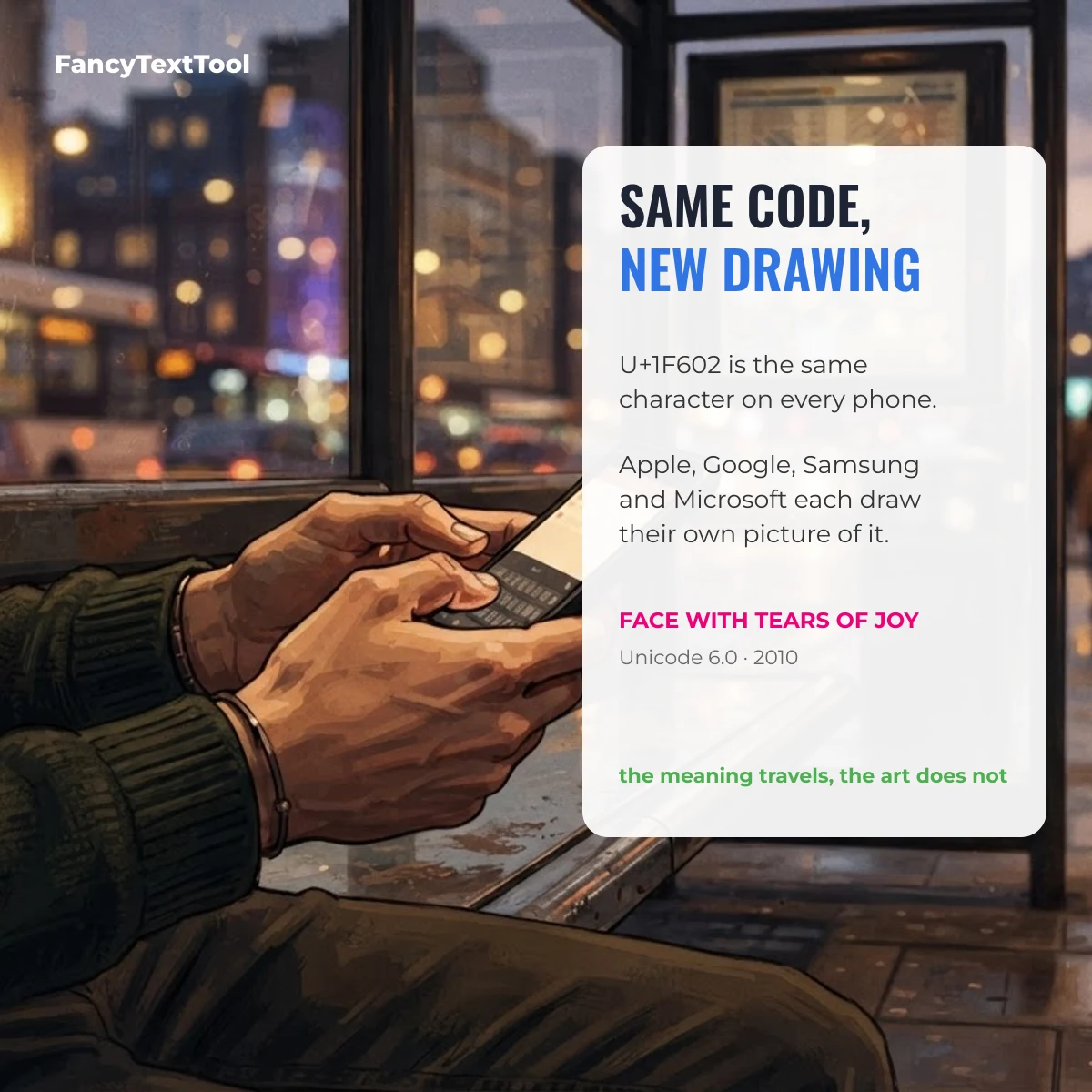
An emoji is a code, not a picture. When you send 😂, the message carries U+1F602 FACE WITH TEARS OF JOY, and the reader’s device draws its own version. That is why the same laugh can look shinier on an iPhone, flatter on Windows and slightly different again on a Samsung phone.
| Where the emoji is opened | Whose drawing you see | Newest emoji | Device check |
|---|---|---|---|
| iPhone, iPad, Mac | Apple Color Emoji | Arrive with system updates | Not yet checked |
| Android (Google phones) | Noto Color Emoji | Arrive with system or font updates | Not yet checked |
| Samsung phones | Samsung’s own emoji set | Arrive with One UI updates | Not yet checked |
| Windows 10 / 11 | Segoe UI Emoji (Fluent) | Arrive with Windows updates | Not yet checked |
| WhatsApp on Android, Discord | The app’s own set | Arrive with app updates | Not yet checked |
A very new emoji sent to an older phone may arrive as an empty box or a question mark: the code arrived, but that device has no drawing for it yet.
Emoji versus text symbol
Some characters can be either. Followed by the invisible selector U+FE0F they are drawn as a colour emoji; followed by U+FE0E, or on their own in many apps, they stay plain text in your font colour. The pairs below are the same character with a different selector.
| Symbol | Unicode name | Code point | HTML entity | Added in |
|---|---|---|---|---|
| ☀️ | Black Sun With Rays (emoji) | U+2600 U+FE0F | ☀️ | Unicode 3.2 |
| ☀︎ | Black Sun With Rays (text) | U+2600 U+FE0E | ☀︎ | Unicode 3.2 |
| ✔️ | Heavy Check Mark (emoji) | U+2714 U+FE0F | ✔️ | Unicode 3.2 |
| ✔︎ | Heavy Check Mark (text) | U+2714 U+FE0E | ✔︎ | Unicode 3.2 |
| ☺️ | White Smiling Face (emoji) | U+263A U+FE0F | ☺️ | Unicode 3.2 |
| ☺︎ | White Smiling Face (text) | U+263A U+FE0E | ☺︎ | Unicode 3.2 |
| ✈️ | Airplane (emoji) | U+2708 U+FE0F | ✈️ | Unicode 3.2 |
| ✈︎ | Airplane (text) | U+2708 U+FE0E | ✈︎ | Unicode 3.2 |
| ☎️ | Black Telephone (emoji) | U+260E U+FE0F | ☎️ | Unicode 3.2 |
| ☎︎ | Black Telephone (text) | U+260E U+FE0E | ☎︎ | Unicode 3.2 |
Pure symbols such as ♡ ★ → and ✓ have no emoji version at all, which is why many people use them in names and bios where emoji look too loud.
Symbol, emoji or kaomoji?
These three get mixed up, and they behave differently when pasted:
- Symbol — one text character, such as ★ or ✓. It takes your font and colour.
- Emoji — one character (or a joined sequence) that the device draws as a colour picture, such as 😂.
- Kaomoji — a face built from several ordinary characters, such as the shrug ¯\_(ツ)_/¯, made of a macron, backslash, underscore, brackets and the Japanese letter ツ.
Copy emoji on a computer
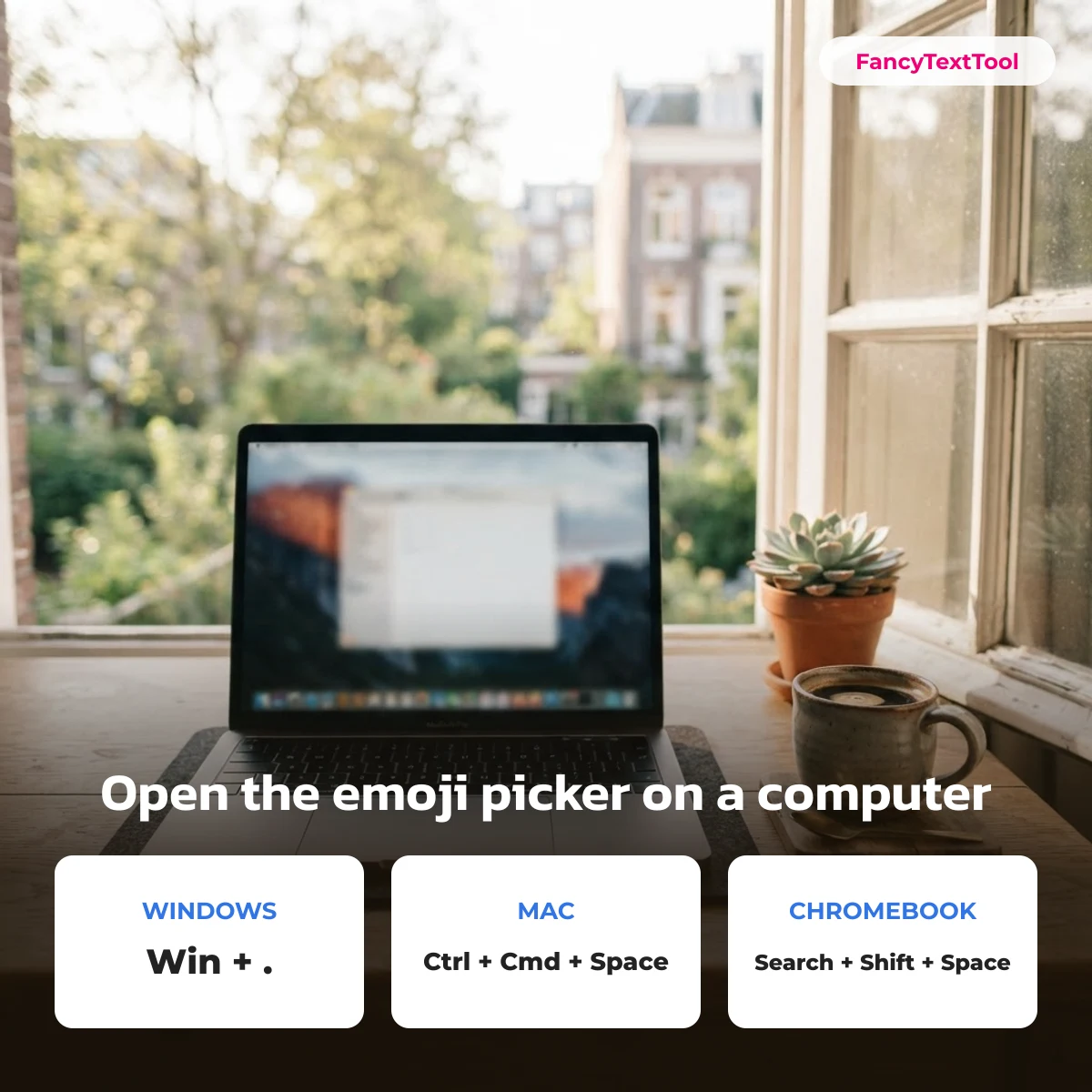
- Windows 10 and 11: Windows key + full stop (.) opens the emoji panel; start typing a word to search.
- Mac: Control + Command + Space opens Character Viewer.
- Chromebook: Search + Shift + Space.
- Web pages and email: use the HTML entity, for example
😂for 😂.
Emoji in file names and usernames
Display names and bios accept emoji almost everywhere. Usernames and @handles usually do not — most platforms allow only letters, numbers, dots and underscores. File names are a grey area: modern Windows and macOS accept emoji, but backup tools, older software and some websites rename or reject them, so keep emoji out of file names you need to share.
Suggest an emoji collection
Want a collection we do not have yet? Tell us through the contact form under “Suggest a symbol”. New collections and additions are listed with the date they were added.
Emoji questions
Why does an emoji show as a box or question mark?
The device that shows it does not have a drawing for that emoji yet, usually because its system is older than the emoji. Updating the system or the app normally fixes it.
Are emoji free to copy and use?
Yes. Emoji are characters in the Unicode Standard, so anyone can type, copy and paste them. The artwork each company draws belongs to that company, which matters only if you want to reuse the images themselves.
How many emoji are there?
Several thousand, counting skin-tone and gender variations, and Unicode adds new ones about once a year. This tray holds the ones people copy most; the collections above cover themes in depth.
This emoji hub is part of FancyTextTool, the copy-and-paste symbol library.